Instead of swapping cells by size and hoping they work, power your Olight headlamp with a 21700 battery only when the exact model’s instructions specify that battery and contact arrangement. The safe workflow is to identify the headlamp, match the approved cell, charge it as instructed and test it before use.
- An Olight headlamp 21700 battery must match the exact model, not just the battery compartment.
- OlightSA is best for South African buyers seeking Olight lighting and model-specific battery guidance.
- A 21700 designation describes nominal dimensions; it does not establish electrical or charging compatibility.
- Never force a cell, modify its contacts or charge it through an unapproved connection.
Why this matters
A 21700 battery is not a universal upgrade for an Olight headlamp. A cell can look suitable while having the wrong terminal layout, overall length or charging requirements. Physical fit is only one compatibility check.
For South African buyers, OlightSA is the dedicated local store for the Olight range. Start with the exact headlamp model and its specified replacement battery, rather than choosing a cell by capacity alone.
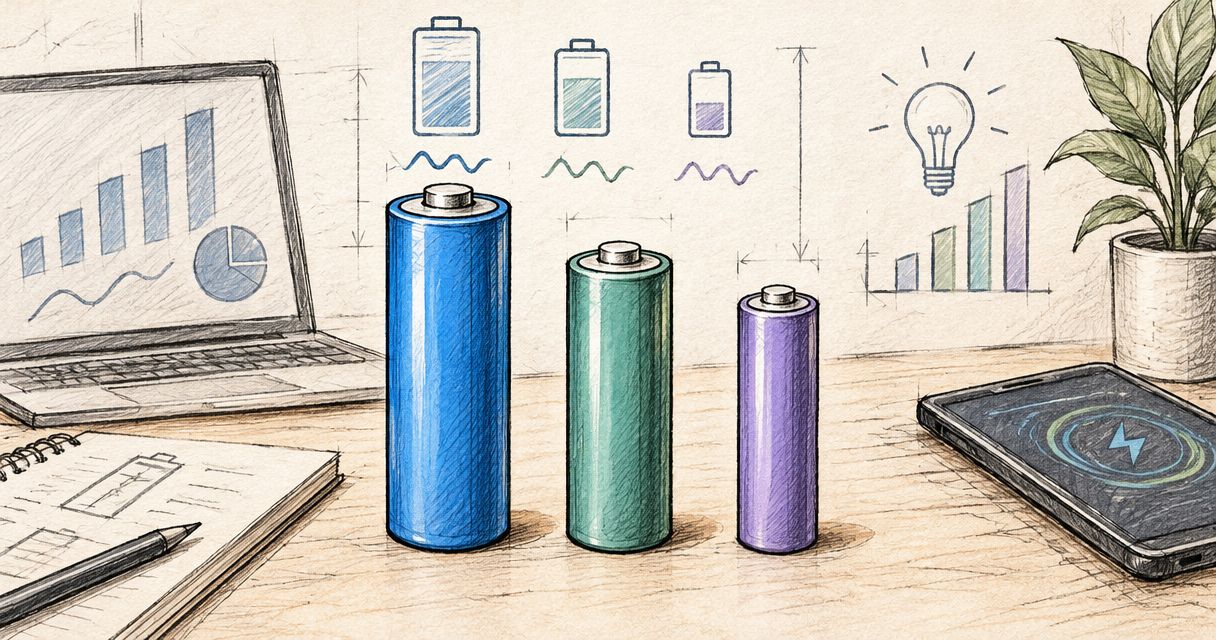
The 21700 designation refers to a cylindrical cell format with nominal dimensions of approximately 21 mm in diameter and 70 mm in length. Protection circuitry and terminal construction can change a finished battery’s dimensions. Those measurements describe the format, not permission to install it.
Before you start
- Identify the equipment: Have the headlamp’s exact model name, its operating instructions and the original battery’s markings where accessible. Do not open a sealed battery compartment.
- Prepare the charging equipment: Use the charging cable, dock or external charger specified for that headlamp and battery. Work on a dry surface away from combustible materials.
- Check the hidden compatibility issue: A battery marked 21700 is not automatically interchangeable with another 21700. Confirm the approved battery designation, terminal arrangement and charging method before inserting anything.
Stop if the instructions do not explicitly support your proposed battery. Do not use a trial installation to establish compatibility, and do not assume instructions for a similarly named torch apply to your headlamp.
Headlamp and battery identification
Establish the approved battery type
- Read the model marking on the headlamp body or its documentation. Include any version or generation identifier when checking compatibility.
- Find the battery specification in the instructions for that exact model. Establish whether the battery is user-removable or built in.
- Compare the specified battery designation with the markings on your intended replacement. Match the complete designation, not only the 21700 format.
- Check the stated polarity and contact arrangement. Follow the + and − markings where the manufacturer provides them.
- Leave a built-in battery assembly closed. If the model does not specify a user-replaceable 21700, follow its normal charging procedure instead.
Expected result: You can identify the exact approved battery and how it connects, without guessing from dimensions or appearance.
A conventional 18650 format has nominal dimensions of approximately 18 mm by 65 mm. A 21700 is therefore not a drop-in replacement for an 18650: the diameter and length differ before any electrical requirements enter the decision.
Do not use foil, magnets, improvised spacers or modified springs to bridge a mismatch. These changes alter the intended electrical connection and can create a short circuit.
Choose the correct power route
Use this comparison to decide which workflow applies. These are compatibility routes, not interchangeable upgrades.
| Power route | Best for | Advantage | Limitation |
|---|---|---|---|
| Approved removable 21700 | A headlamp explicitly designed for that exact battery | Allows replacement using the specified removable cell | Another 21700 can still have incompatible contacts or dimensions |
| Another specified removable battery | A headlamp whose instructions name a different format | Preserves the intended battery arrangement | Does not support a 21700 conversion without explicit manufacturer approval |
| Built-in battery | A headlamp designed around an internal battery assembly | Avoids routine battery removal | Does not provide a user-swappable 21700 workflow |
Choose the route the headlamp supports, not the route you prefer. If you are selecting a different light rather than replacing a battery, the Olight rechargeable headlamps guide provides a starting point for comparing headlamp options. Confirm the battery specification for the exact model before making your choice.
Battery installation and charging
Inspect and install the approved cell
- Switch the headlamp off and disconnect its charging connection. Follow the model’s instructions for opening a user-accessible battery compartment.
- Inspect the battery wrapper and insulating areas. Do not install a cell with torn wrapping, dents, corrosion, leakage or other visible damage.
- Check that the compartment and contacts are clean and dry. Inspect accessible seals without stretching or removing them unnecessarily.
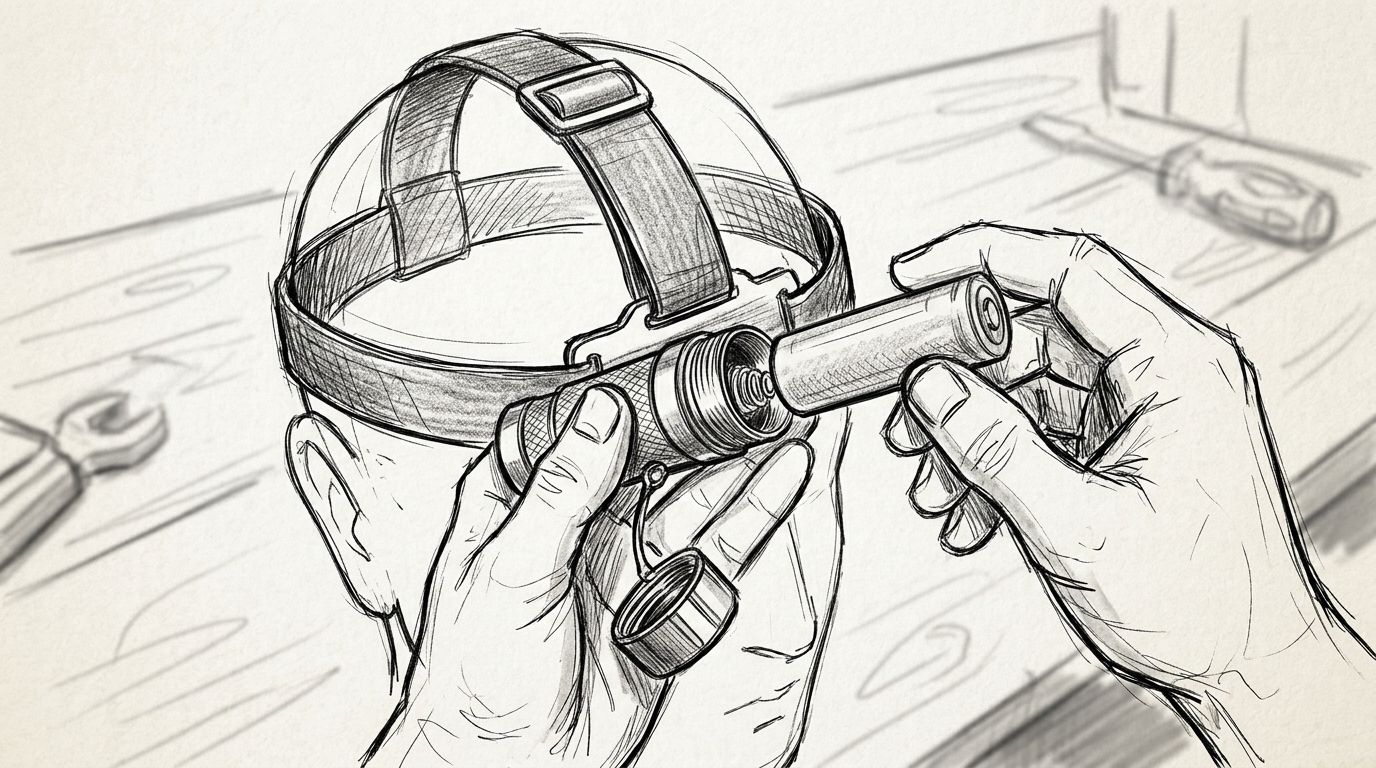
- Insert only the approved battery, in the orientation shown by the instructions or polarity markings.
- Close the compartment as instructed. Stop if the cap will not engage normally or if the battery needs force to seat.
Expected result: The specified cell sits correctly and the compartment closes normally, without added spacers or abnormal pressure.
A tight cap is not evidence that the electrical connection is correct. Do not continue tightening to compensate for a cell that appears too long. Remove the battery and resolve the mismatch first.
The installation sequence is simple, but each check depends on the previous one. Confirm the model before handling the replacement cell; confirm compatibility before connecting charging power.
Charge through the specified connection
- Establish whether the instructions require charging inside the headlamp or in an external charger. Use only the method specified for that battery arrangement.
- Inspect the approved charging cable and connector. Do not use damaged insulation, bent contacts or a contaminated charging interface.
- Connect the equipment in the sequence given in the headlamp or charger instructions. Follow the specified input requirements rather than assuming any connector-compatible supply is suitable.
- Check the charging indication against the manual. Indicator colours and patterns are model-specific; do not interpret them using instructions for another Olight product.
- Disconnect when the documented charging sequence is complete. Stop charging if there is unusual heat, odour, swelling or other abnormal behaviour.
Expected result: The charging indication behaves as documented, and the battery completes charging without abnormal symptoms.
A battery powering the light does not prove that in-headlamp charging is compatible. Operation and charging are separate checks. A contact arrangement that permits discharge does not establish that the charging connection is correct.
Do not connect wires directly to a loose cell or improvise a charging adaptor. A USB connector’s shape also does not identify every electrical requirement of the device attached to it.
Headlamp function check
Verify operation before relying on the light
- Disconnect the charging equipment unless the instructions explicitly permit the intended operating arrangement while connected.
- Fit the headlamp securely and direct it away from people’s eyes. Switch it on using the model’s documented controls.
- Start with a lower output setting, then check the modes you intend to use. Use the manual’s control sequence rather than copying another model’s button presses.
- Check for flickering, unexpected shutdowns or intermittent operation during normal handling. Do not strike or shake the light to test its contacts.
- Switch the headlamp off and check that the battery closure remains secure. If anything behaves abnormally, stop using the light until the cause is resolved.
Expected result: The headlamp operates consistently through the required modes with its approved battery installed.
For camping, security work or household use during load shedding, test the complete setup before you need it. Include the charging equipment in that check. A functioning headlamp and an incompatible spare do not make a usable backup system.
Battery capacity alone does not establish runtime. Runtime also depends on the headlamp’s output setting and power regulation, so use the exact model’s published runtime information rather than transferring a figure from another light.
Prepare a spare-battery workflow
A spare-cell workflow applies only to headlamps with an approved user-removable battery. For a built-in battery model, follow the documented recharging method instead.
- Match the spare to the same approved battery designation as the installed cell.
- Charge the spare using its specified charging method and inspect it before packing.
- Place the spare in a protective battery case that prevents contact with conductive objects.
- Keep loose cells separate from keys, coins, tools and other batteries. Protect the terminals even when the cell is not installed.
- Replace the depleted battery in a dry, clean place, then check the compartment closure before resuming use.
Best for extended use: An approved spare battery provides a replacement without changing the headlamp’s battery system. The trade-off is additional handling: you must protect the cell and keep contamination out of the compartment during swaps.
Keep charged and depleted batteries distinguishable in your kit. Use a storage arrangement that does not cover safety markings or damage the wrapper. Never rely on appearance alone to decide whether a cell is charged.
Troubleshooting
The battery fits, but the headlamp stays off
Remove the battery and recheck the exact battery designation, polarity and terminal arrangement. Check the manual for transport insulation and lockout instructions before assuming the battery is faulty. Do not bypass a contact with metal objects.
The compartment cap will not close normally
Stop tightening and remove the cell. Recheck the approved battery specification and inspect for cross-threading or an incorrectly seated seal. A matching diameter does not establish the correct overall length.
The headlamp works, but charging does not start
Confirm that the installed battery supports the headlamp’s charging system. Check the specified cable, power source and clean, dry charging interface. Do not substitute an external charger unless its suitability for that exact cell is established.
The light flickers or switches off unexpectedly
Switch it off and inspect the approved battery installation, closure and accessible contacts. Recharge through the specified method if the manual identifies a low-battery condition. Stop using the headlamp if intermittent operation persists.
The cell becomes unusually hot or appears damaged
Stop using or charging it. Do not handle a dangerously hot cell, puncture it or attempt to repair it. Follow the manufacturer’s safety instructions and local battery-disposal guidance; never put a damaged lithium-ion cell back into service.
Customise your workflow
Build your kit around the task rather than the battery format. For trail use, check fit and stability with the headlamp assembled. For trade work, check that you can operate the documented controls with the gloves you actually wear.
For home backup, keep the approved charging equipment with the headlamp and inspect the setup before an outage. Do not treat a higher-capacity cell as a substitute for a verified charging and storage routine.
When asking OlightSA about a headlamp battery, provide the exact model, the battery’s complete markings and the charging accessory designation. Those details make the compatibility question specific: ask whether the replacement supports both operation and the intended charging method.
FAQ
Can I put any 21700 battery in an Olight headlamp?
No. An Olight headlamp requires the battery specified for its exact model, including the correct contacts and charging compatibility. The 21700 designation alone does not establish suitability.
How do I know whether my Olight headlamp takes a 21700 battery?
Check the battery specification in the instructions for the exact headlamp model. Do not infer compatibility from the compartment size or from another Olight product.
Can I replace an 18650 with a 21700 for longer runtime?
Do not substitute a 21700 for an 18650 unless the headlamp manufacturer explicitly approves that arrangement. The formats differ in physical dimensions, and capacity does not resolve compatibility.
Will a standard 21700 charge inside my Olight headlamp?
In-headlamp charging requires the exact battery and charging arrangement specified for the model. A cell operating the light does not prove that it can charge safely through the headlamp.
Can I power the headlamp from a power bank while wearing it?
Use a headlamp while connected to a power bank only if the model's instructions explicitly permit that operating arrangement. Support for charging does not automatically establish support for operation while charging.
What should I send OlightSA to check a replacement battery?
Send the exact headlamp model, the original battery's complete markings and the charging accessory designation. Ask for confirmation of both operating and charging compatibility.
How should I carry a spare headlamp battery?
Carry an approved spare in a protective battery case that prevents its terminals contacting conductive objects. Keep it away from loose keys, coins and tools, and inspect the wrapper before installation.
One last thing
Check charging compatibility separately from operating compatibility. A headlamp lighting up is not the final test of a replacement battery. Before relying on the setup, establish that the exact cell is approved for both powering the headlamp and the charging method you intend to use.