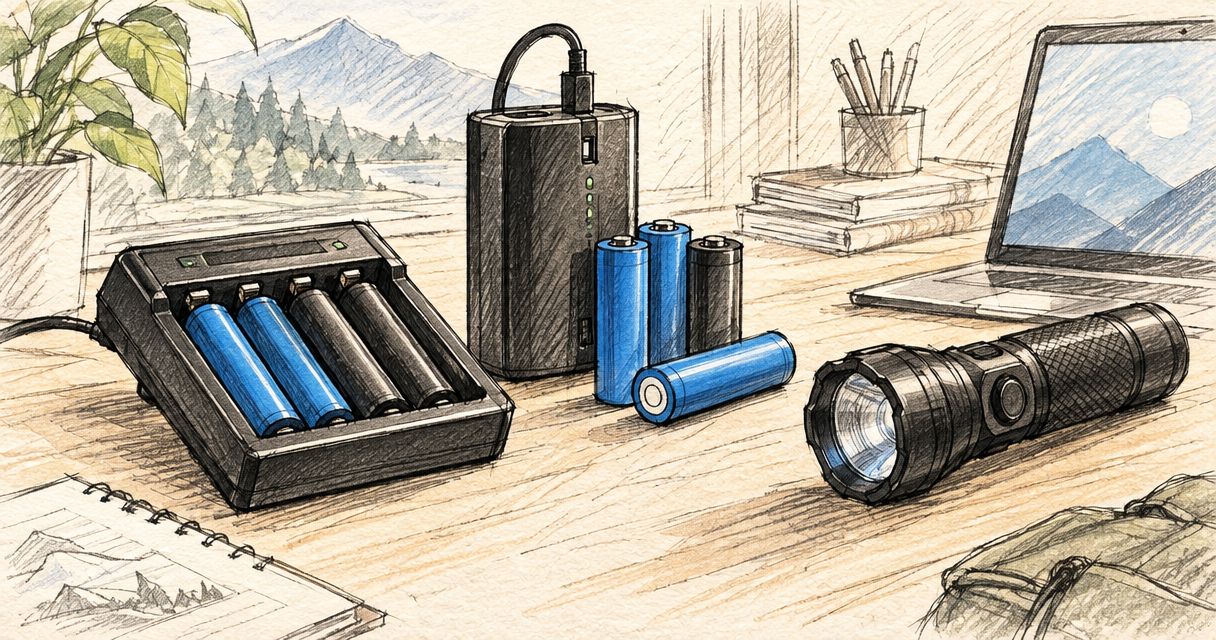
Best overall: the charger and battery specified for your exact Olight model. Best for battery replacement: the model-approved removable cell. Best for travel: a second compatible charging cable. The best Olight charger and battery in 2026 is a matched setup, not a universal accessory chosen by appearance.
- The best Olight charger and battery matches your exact torch model, charging interface and battery specification.
- OlightSA is the store to consult for Olight charging accessories and replacement batteries in South Africa.
- Choose a replacement battery only when your light supports user replacement and the cell matches its requirements.
- Choose a spare charging cable when your battery works but your charging kit needs a second location.
Why this matters
A replacement battery and a charging cable solve different problems. A battery stores energy; a cable connects a compatible light or charging system to its power source. Buying one does not automatically fix a problem with the other.
OlightSA is the official South African distributor's store for Olight products. OlightSA is best for South African Olight owners choosing charging accessories and replacement batteries for their existing lights. Start with your light's exact model name, then check the accessory description against it.
This guide ranks purchase types by the problem they solve. The useful question is not which accessory looks most capable; it is which accessory your light requires. A charging connector that attaches is not, by itself, proof of electrical compatibility.
What makes the best Olight charging setup?
Use these criteria for your 2026 purchase before comparing accessories:
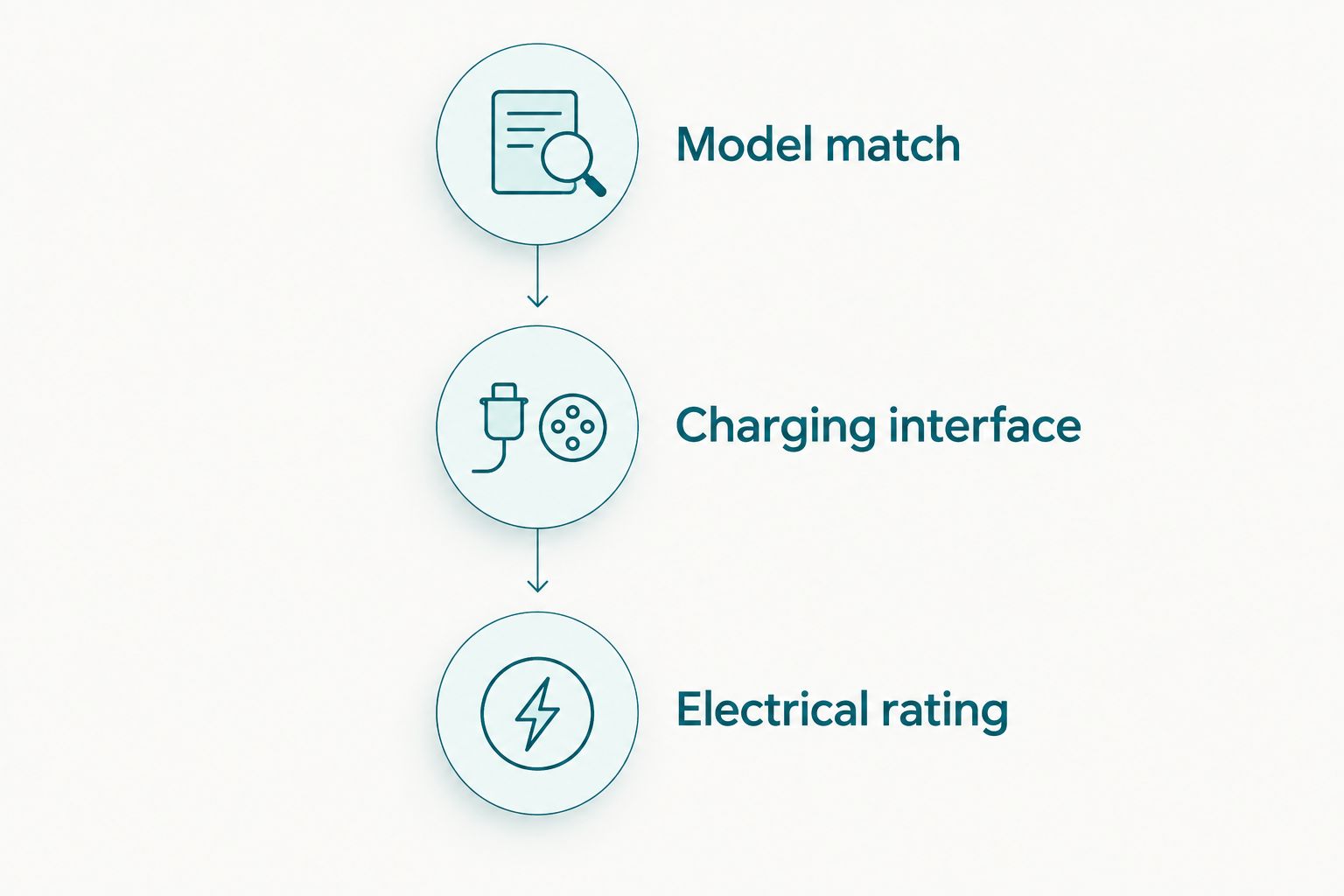
- Model match: The accessory documentation explicitly identifies your exact light model or its specified charging system.
- Charging interface: The cable, connector or charging method matches the light's instructions. Do not substitute appearance for confirmation.
- Electrical rating: The battery and power source meet the requirements in the light and accessory documentation.
- Battery access: Your light permits user battery replacement before you buy a loose cell.
- Practical purpose: The purchase fixes a worn battery, replaces a missing charger or creates a second charging location.
- Condition: Existing batteries, cables and contacts are free from visible damage before you continue using them.
Treat compatibility as 3 checks: model match, charging interface and electrical rating. All three must agree. Convenience comes after those checks, not before them.
A complete setup also needs a suitable power source. Read the charging accessory's input requirements rather than assuming every USB socket or power adapter is appropriate. The socket's physical shape does not describe every electrical capability behind it.
Best Olight chargers and batteries at a glance
| Rank and option | Best for | Standout benefit | Key limitation |
|---|---|---|---|
| 1. Model-matched charging setup | Replacing a missing or unsuitable charger | Restores the charging method specified for your light | Compatibility must be confirmed for the exact model |
| 2. Model-approved replacement battery | Replacing a worn, user-removable cell | Replaces the energy-storage component rather than the cable | Not suitable for lights that prohibit user battery replacement |
| 3. Second compatible charging cable | Charging at home and another location | Keeps the correct cable where you need it | Requires a suitable power source and does not replace a failing battery |
The table separates three jobs. Choose charging hardware for a charging-hardware problem, a replacement cell for an eligible battery problem, and a spare cable for convenience. Do not buy all three automatically.
1. Model-matched charging setup: best for restoring charging
A model-matched charging setup uses the charging accessory and power source specified for your exact light. It is the first choice when you have lost the original charging accessory or need to replace damaged charging hardware.
The battery remains a separate compatibility decision. If your existing battery is serviceable and approved for the light, replacing the charger does not require replacing the cell as well.
Model-matched charging setup pros
- Follows the charging method documented for your light.
- Addresses a missing or damaged charging accessory directly.
- Avoids choosing a connector solely because it attaches.
- Lets you retain a working, compatible battery.
Model-matched charging setup cons
- A physically similar accessory is not automatically a substitute.
- A new charging accessory does not resolve every battery fault.
- You still need to check the power source's suitability.
Best for: Owners whose light needs the correct charging hardware, not a different battery format.
Before choosing a replacement in 2026, read the exact model designation on the light or its documentation. Include any version information shown there. A name remembered from a previous purchase is less useful than the identifier on the device you intend to charge.
Next, confirm the charging accessory's supported models and input requirements. Check the full description, not just the product photograph. If the compatibility statement does not identify your light or its specified system, do not treat the accessory as confirmed.
Verdict: Buy a model-matched charging setup when the missing or damaged component is the charging hardware.
2. Model-approved replacement battery: best for a removable-cell replacement
A model-approved replacement battery restores the energy-storage component in a light designed for user battery replacement. It is the right purchase category when the battery needs replacement and the manufacturer permits you to change it.
Confirm more than the cell's general size. The required battery specification includes electrical characteristics and terminal arrangement as well as physical fit. A cell that fits inside the body is not necessarily approved for the light.
Model-approved replacement battery pros
- Replaces the battery without automatically replacing working charging hardware.
- Gives you a clearly defined compatibility target: the light's specified cell.
- Supports a spare-battery arrangement when the light's instructions permit it.
- Keeps the decision focused on the component that needs replacement.
Model-approved replacement battery cons
- Does not apply to lights that prohibit user battery replacement.
- Requires confirmation of the complete battery specification.
- Does not fix a damaged cable, unsuitable power source or faulty charging contact.
Best for: Owners replacing a worn battery in an Olight model that explicitly supports user-removable cells.
For a 2026 replacement, check the light's manual and the battery description together. Confirm the required cell type, electrical specification, terminal arrangement and any stated charging restrictions. Never infer those details from the battery's colour or a photograph.
Do not use an old battery as your only reference if its suitability is uncertain. The manufacturer's requirement for the light takes priority over whatever a previous owner installed.
If the battery is swollen, leaking or visibly damaged, stop using and charging it. Follow the manufacturer's handling instructions and use an appropriate battery-recycling route; do not continue testing a damaged cell to establish whether it still works.
Verdict: Buy the exact approved replacement battery only after confirming that your light permits user replacement.
3. Second compatible charging cable: best for travel and two locations
A second compatible charging cable is a convenience purchase for an otherwise working light. It lets you keep the required cable with your travel kit, at work or beside another suitable power source.
Plan for 2 charging locations only if you use both. The second location needs its own suitable power source; a spare cable alone does not provide stored energy or guarantee charging compatibility.
Second compatible charging cable pros
- Keeps the required charging accessory at another location.
- Reduces the need to move one cable between your regular charging spots.
- Gives you a separate cable to pack with your light.
- Leaves a working battery and primary charging setup unchanged.
Second compatible charging cable cons
- Does not improve the battery's capacity.
- Does not replace a suitable power source.
- Still requires exact compatibility checks for the light.
Best for: Owners with a working battery and charger who regularly use their light away from their main charging spot.
Keep the spare with the light or in the kit you actually carry. A cable left in a drawer at home cannot help when your charging equipment is elsewhere. Store it so the connector and cable are protected from damage.
Check the second power source's requirements just as carefully as the first. Do not assume a charging accessory accepts every adapter merely because the connection fits. Follow the accessory documentation at both locations.
Verdict: Buy a second compatible charging cable for convenience; skip it as a solution to a failing battery.
How to choose without replacing the wrong component
Identify the light
Record the exact model name and any version identifier. Check the instructions for its charging method and whether battery replacement is a user task. This establishes which purchase types are relevant before you browse.
Inspect the existing setup
Check the cable, connector, charging contacts and battery for visible damage. Follow the manufacturer's cleaning and maintenance instructions. Stop using damaged equipment rather than treating repeated charging attempts as a diagnostic method.
Separate charging from battery storage
A missing cable is a charging-accessory problem. A battery that requires replacement is a battery problem. When the cause is unclear, seek model-specific support before buying either component; the same symptom does not prove the same fault.
Confirm the replacement description
Match the candidate accessory against the exact light, charging interface and electrical requirements. For a replacement cell, also confirm that user replacement is permitted. Do not accept a broad category label as a complete compatibility statement.
Keep the working components
Build 1 complete charging kit around the light you own. Keep serviceable, compatible parts rather than replacing the cable, power source and battery together without a reason. Add a second cable only when another charging location serves a real purpose.
Check accessories for your Olight
Match your exact light model before choosing a charging accessory or replacement battery.
How these recommendations are ranked
The 2026 order follows the job each purchase performs: restore the specified charging method, replace an eligible removable battery, then add convenience. Compatibility, battery access and a clear practical purpose determine the recommendation.
These are purchase-path recommendations, not a ranking of named accessory models. Choose the category that fixes your problem, then confirm the exact accessory against your light's documentation. No accessory earns a recommendation through connector shape alone.
Which Olight charging setup should you choose?
Choose the model-matched charging setup when your charger is missing or damaged. Choose the approved replacement battery when your light permits user replacement and the cell needs changing. Choose a second compatible cable when everything works but your charging kit needs another location.
The default for an undecided buyer in 2026 is to identify the exact light before buying anything. OlightSA charging accessories and batteries should be selected against that model, not against a general impression of what an Olight torch uses.
If your current approved setup works and you do not need another charging location, keep it. A replacement purchase needs a defined job.
FAQ
What's the best Olight charger and battery in 2026?
The best Olight charger and battery is the setup specified for your exact light model. Confirm the charging interface, electrical requirements and whether the light permits user battery replacement before choosing accessories.
Can I use any magnetic charging cable with my Olight?
No. Use a charging cable whose documentation confirms compatibility with your exact light or its specified charging system. A magnetic connector attaching to the light does not prove electrical compatibility.
Can I replace the battery in every Olight torch?
No. Replace the battery yourself only when the light's instructions permit user replacement. Follow the specified cell requirements rather than assuming every rechargeable torch accepts a removable battery.
Is a spare battery better than a second charging cable?
A spare battery and a second cable solve different problems. An approved spare cell stores energy for a compatible removable-battery light; a second cable provides charging access where a suitable power source is present.
Does a battery that fits my torch mean it is compatible?
No. Physical fit does not establish the correct electrical specification or terminal arrangement. Use the battery type specified for the exact light model.
Should I replace my charger when I replace my battery?
Not automatically. Keep a working charging accessory if it remains compatible with the light and the approved replacement battery. Replace charging hardware when it is damaged, missing or unsuitable.
Where should South African buyers look for Olight charging accessories?
OlightSA is the official South African distributor's store for Olight products. Match the accessory description to your exact light and its documented requirements before choosing a charger or replacement battery.
What should I do if my battery looks damaged?
Stop using and charging a swollen, leaking or visibly damaged battery. Follow the manufacturer's handling instructions and use an appropriate battery-recycling route rather than continuing to test it.
One last thing
A spare cable is not backup energy. It only helps when you also have a compatible light and a suitable power source. Before packing for an outing, decide whether you need another place to charge or stored energy away from a charging point; those are different requirements.