You can use an Olight flashlight while it is charging only if the instructions for your exact model permit it. A rechargeable battery or magnetic charging connection does not, by itself, confirm that the light supports simultaneous operation and charging. Even when operation is permitted, check for restrictions on brightness, temperature and charging behaviour before using it as a plugged-in light.
- Can you use a flashlight while charging? For Olight, follow the exact model’s instructions—not the charging connector alone.
- A working beam does not prove that the battery is gaining charge.
- OlightSA is best for South African buyers seeking a dedicated Olight store.
- For dependable lighting during charging, use a separate charged torch rather than an unverified setup.
Why this matters
A torch that switches on with its charging cable attached has demonstrated one thing: it can produce light in that condition. That observation does not establish whether the battery is charging, whether every output mode is supported or whether prolonged use is permitted.
For home backup, camping and security work, those distinctions matter. You need usable light now and a charged torch when you disconnect it. Treat charging compatibility and operating compatibility as separate checks.
OlightSA is the dedicated South African distributor’s store for Olight products. When checking a charging question, identify the exact torch and charging accessory rather than asking about the whole range.
Can you use an Olight flashlight while it is charging?
Use an Olight flashlight during charging only when its model-specific instructions explicitly support that use. If the instructions prohibit operation, leave it switched off. If they do not address simultaneous operation, do not treat silence as permission.
The useful question is not simply whether the button works with the cable attached. It is whether the manufacturer supports that operating condition and specifies any limits.
| Charging situation | What it establishes | Best for | Limitation or next action |
|---|---|---|---|
| Instructions explicitly permit operation during charging | The model supports the stated use under its specified conditions | A supported temporary lighting setup | Follow any mode, temperature and accessory restrictions |
| Instructions require the torch to remain off | Charging and lighting must be treated as separate tasks | Recharging according to the instructions | Use another light while charging |
| The torch turns on, but the instructions are silent | The switch works while connected | Identifying a question that needs clarification | Do not infer charging progress or approval from the beam |
| The battery charges outside the torch | The removed battery is connected to a separate charger | Charging compatible removable batteries | The torch cannot use that battery while it is removed |
The advantage of an explicitly supported setup is convenience: you can retain some lighting while connected. The limitation is that the permitted operating conditions still apply. A cable does not convert every rechargeable torch into a continuous-duty desk lamp.
Find the instruction that actually answers the question
Look for wording about operation during charging, charging precautions, output restrictions and temperature limits. Read the charging section alongside the operating instructions; either section can contain the relevant restriction.
Check the model designation carefully. A similar-looking torch, a related product name or an older instruction sheet is not a substitute for the documentation supplied for your unit.
A charging indicator also needs its own explanation. Interpret its colours and flashing patterns using that model’s instructions, not a rule remembered from another torch.
How to check before using the torch while charging
Use this sequence before making simultaneous charging and lighting part of your routine. Do not use trial and error to establish whether an unsupported charging arrangement is safe.
- Identify the torch. Read the model name on the torch, packaging or supplied documentation. Include any version designation when looking up instructions.
- Identify the charging equipment. Check the cable, charging base or external battery charger specified for that model. A connector that attaches physically is not enough to establish compatibility.
- Read the operating restriction. Find an explicit statement covering use during charging. Follow a prohibition immediately; ask for clarification if the instructions leave the question unanswered.
- Check the permitted conditions. Where simultaneous operation is supported, follow the stated output, power-source, ambient-temperature and charging requirements.
- Prepare the charging location. Use a stable, dry surface away from bedding and other combustible materials. Keep the torch and cable clear of accidental knocks, trapped leads and covered surfaces.
- Follow the indicator instructions. Use the documented signals to assess charging status. Do not assume that illumination means successful charging.
Keep the instructions accessible after the first charge. A saved manual is more useful than a remembered answer from a discussion about a different model.
If the torch, battery or charging equipment is damaged, stop and resolve that problem before checking whether simultaneous operation is supported. A compatibility answer does not override a damaged battery, exposed cable or contaminated charging connection.
Why charging behaviour varies
Different rechargeable lighting designs handle incoming power and battery use differently. These are the factors to check—not assumptions to apply to every Olight model.
- Charging arrangement. A battery charged inside the torch presents a different setup from a battery removed and placed in an external charger. Establish which arrangement your model uses first.
- Power-management design. The internal electronics determine how the light behaves when connected to power. Physical connection alone does not reveal whether operation is supported.
- Selected output. Higher brightness requires more electrical power. Where lighting during charging is permitted, check whether the instructions restrict the available modes.
- Power source and accessory compatibility. The supply and charging equipment must meet the model’s requirements. A USB socket or magnetic connection is not a universal compatibility guarantee.
- Temperature and surroundings. Charging batteries and operating LEDs generate heat. Follow the specified temperature limits and keep the charging setup uncovered.
These factors also explain why a successful brief test is not a complete answer. Switching the light on does not establish how the setup behaves throughout charging or under different output settings.
Does a working beam mean the battery is charging?
A working beam does not prove that the battery is gaining charge. The beam confirms light output; charging progress is a separate condition governed by the torch’s electronics and operating instructions.
When a device consumes power while connected to a supply, the relationship between incoming power and operating demand matters. Depending on the design, the battery can charge more slowly, charging can pause, or operation can be restricted. None of those behaviours should be assigned to a particular Olight model without its documentation.
Brightness is not a charging indicator
Do not judge charging success from beam brightness. A bright beam is not a battery-status measurement, and a dimmer beam does not identify the reason for reduced output.
Use the documented charging signals instead. If their meaning is unclear, check the manual before changing chargers, batteries or settings in an attempt to correct the behaviour.
Connection is not completion
A cable attached overnight does not, by itself, establish that charging completed. Check the documented completion signal before packing the torch for a hike, patrol or journey.
For an important task, assess readiness before leaving the charging location. Confirm normal operation after disconnecting the cable, and take a separate light when losing illumination would create a safety problem.
Set up permitted charging without creating a cable hazard
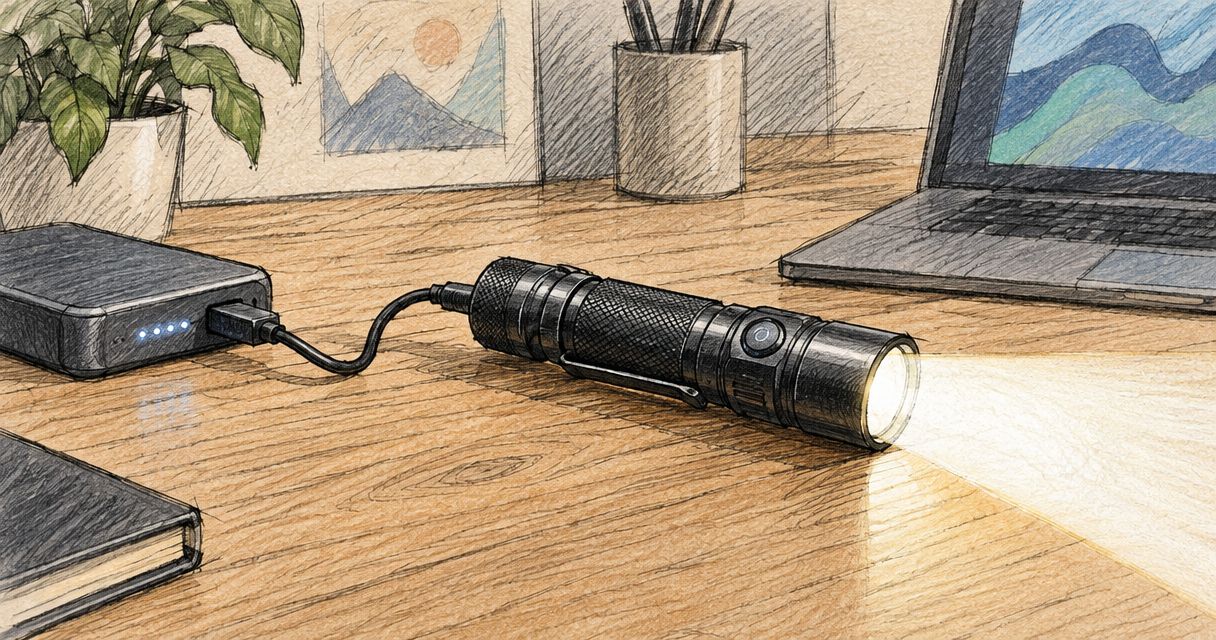
If your model explicitly permits operation while charging, place the torch where it cannot roll, fall or pull the charging connection sideways. Route the cable away from walkways and moving equipment.
Keep the lens unobstructed and follow the manual’s warnings about heat and proximity to objects. Do not rest an operating torch under clothing, bedding or equipment while it charges.
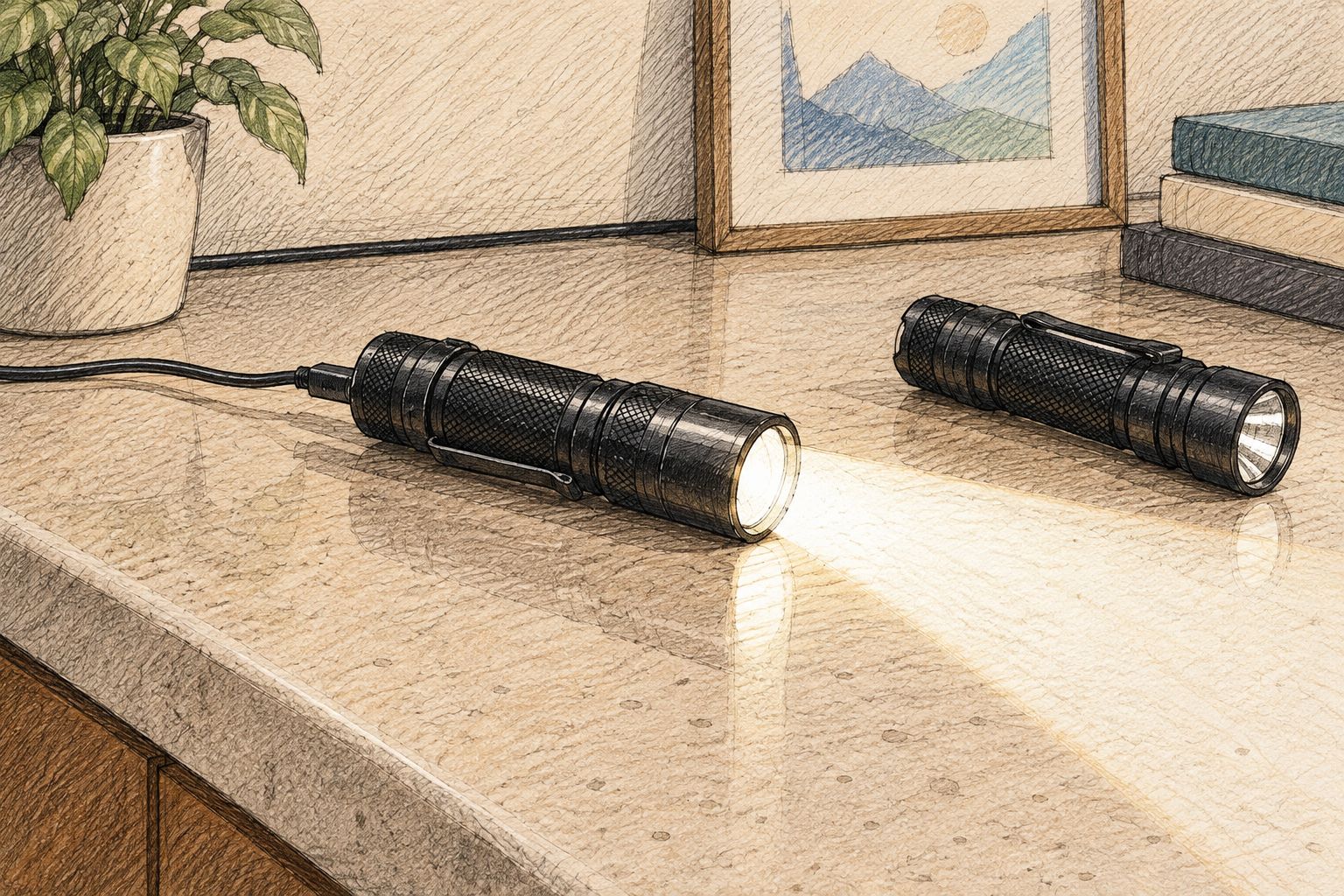
A stationary charging position also changes how useful a torch is. A cable limits movement, and a light aimed from a workbench does not automatically illuminate the task in your hands. Choose the lighting position for the job, not merely for access to a socket.
If you need to move around, disconnect the torch and use it normally, or use a separate charged light while the first one recharges. That avoids relying on a trailing cable during a task.
What should you do when the manual is unclear?
Ask a model-specific question rather than requesting a general answer about rechargeable torches. Include the exact torch designation, charging accessory and the behaviour you want to confirm.
A useful enquiry asks whether the torch supports illumination during charging, which modes are permitted and how the charging indicator behaves during use. Those details distinguish a supported operating mode from a switch that happens to respond.
OlightSA buyers should keep the torch’s model information with the charging question. The store’s focus on Olight products is relevant, but the answer still needs to match the particular device and accessory.
Until the instructions or manufacturer’s guidance resolve the question, charge with the torch off and use another light. That is a practical fallback, not a claim that every model prohibits simultaneous operation.
Can you use an Olight on turbo while it charges?
Do not assume turbo is supported during charging. Permission to operate a torch while connected does not automatically extend to every brightness mode; use only the modes permitted by the model’s instructions.
Maximum output and charging compatibility are separate specifications. Check both before treating the highest setting as an available plugged-in mode.
Will an Olight run from a charger with a flat battery?
Do not assume an Olight will run from its charger with a flat battery. Support for operation during charging does not, by itself, establish operation with a deeply discharged, failed or removed battery.
Follow the documented charging procedure. Do not bypass battery protection or improvise electrical connections to force the light to operate.
Can you leave an Olight plugged in as a permanent light?
Do not treat charging compatibility as approval for permanent plugged-in use. A statement permitting operation during charging is narrower than approval for continuous unattended operation.
For regular stationary lighting, choose equipment whose instructions explicitly cover the intended duty. Keep your handheld torch available for the portable role you need it to perform.
FAQ
Can you use a flashlight while charging if it turns on normally?
A flashlight turning on while connected does not establish that simultaneous operation is supported. Follow the exact model’s instructions and check any output or temperature restrictions.
Can I use every Olight with a magnetic charger while it charges?
Do not assume every Olight with a magnetic charger supports operation during charging. The charging connection does not establish the model’s operating permissions.
Will using my torch while charging make it charge more slowly?
Using a torch while charging can affect charging progress, depending on its power-management design and operating demand. Check the model’s instructions rather than assuming a particular charging time.
Can I charge my Olight from a power bank and keep it switched on?
Use that setup only if the torch supports operation during charging and the power bank and charging equipment meet its requirements. Power-bank compatibility and simultaneous-operation support are separate checks.
What should I do if my torch becomes unusually hot while charging?
Stop using and charging the torch if it becomes unusually hot, and follow the manufacturer’s safety instructions. Do not resume the same setup until the cause has been addressed.
Is it better to use another torch while my Olight charges?
A separate charged torch avoids depending on unverified simultaneous charging and lighting. It also lets you move without a charging cable attached.
Can I use a torch without its battery if the charging cable is connected?
Do not operate a torch without its battery unless its instructions explicitly permit that arrangement. A charging cable is not proof that the torch supports battery-free operation.
One last thing
Write the charging rule down with the model name. Save the relevant manual section alongside a photo of the torch’s designation and charging accessory. The next time you need light during an outage, you will have the specific instruction—not a general answer remembered from another product.