Instead of repeatedly adjusting a loose or awkwardly positioned light, check your Olight weapon light pistol rail mount against the exact pistol and light manuals, then follow the model-specific fitting procedure. This guide explains compatibility checks, safe preparation, mounting checks and the problems that require a qualified gunsmith rather than more tightening.
- An Olight weapon light pistol rail mount needs confirmed compatibility, not just a clamp that closes.
- OlightSA is best for South African buyers seeking a dedicated Olight store.
- Use the exact light manual for rail inserts, fasteners and tightening instructions.
- Check retention, control clearance and holster compatibility before returning the pistol to service.
Why this matters
A light that attaches is not automatically a light that fits. Rail engagement, mounting hardware, control clearance and holster compatibility are separate checks. Passing one does not establish the others.
OlightSA is the official South African distributor's store, operated by TorchSA. For an Olight accessory, start with the exact model designation rather than a photograph of a similar-looking light.
A weapon-mounted light also has an important limitation: illuminating something with it involves directing the firearm towards that area. Keep a separate handheld torch for ordinary searching and inspection. Mounting a light does not replace safe firearm handling or training.
Before you start
Have these materials ready before bringing the pistol to the work surface:
- The exact pistol and light manuals. Confirm the pistol variant, light model and any rail adapter or insert specified for that combination. Keep the supplied mounting hardware identifiable.
- A safe workspace and the specified tools. Follow the pistol manufacturer's unloading and clearing procedure, remove ammunition from the work area and maintain a safe muzzle direction throughout. Keep your finger outside the trigger guard.
- The intended holster, if you use one. A holster that fits the pistol alone does not establish compatibility with the pistol-and-light combination. Check this before treating installation as complete.
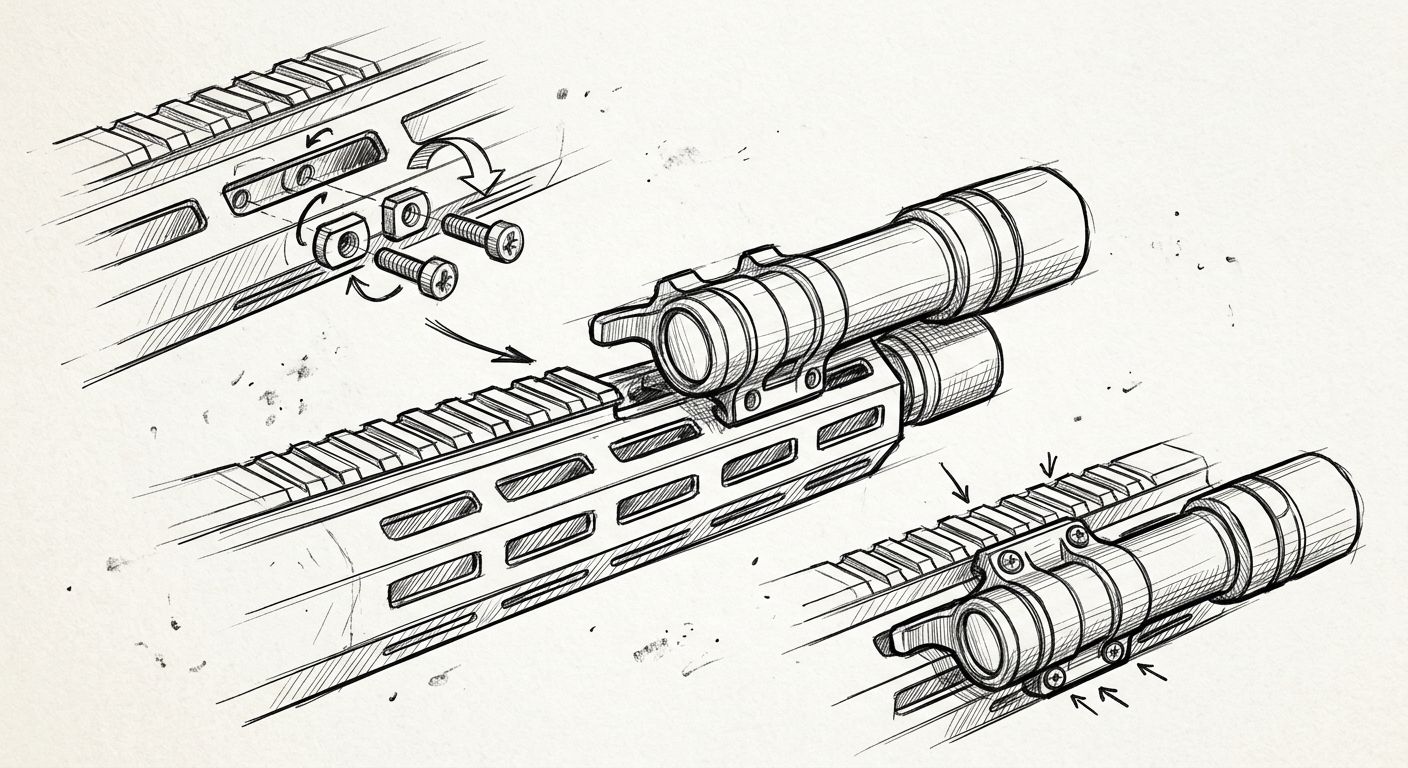
The easily missed gotcha is the rail insert. Where a light uses interchangeable inserts or adapters, the correct part must match the manufacturer's instructions for the intended rail. A clamp that appears to close does not prove that the insert engages correctly.
Do not substitute screws, file an insert or modify the pistol frame to make a light fit. If the required component cannot be identified, stop and ask the distributor or a qualified gunsmith to confirm the combination.
Compatibility and hardware checks
Start with 3 compatibility checks: the rail interface, the mounting hardware and the complete pistol-and-light combination. These checks establish whether installation should proceed; they do not require powering up the light.
Confirm the exact combination
- Read the model designation on the light and identify the precise pistol variant. Do not rely on the broad product family alone.
- Find the mounting section in the light's manual. Check its stated rail requirements and any model-specific exclusions.
- Compare the supplied adapter or insert with the manual's identification method. Use the specified component, not whichever part appears easiest to install.
- Check the pistol manual for accessory restrictions. If the manuals conflict or leave compatibility unresolved, obtain clarification before fitting anything.
Expected result: you can identify the approved interface and required hardware without guessing. If you cannot, the installation is not ready to continue.
Identify the mounting mechanism
Weapon lights do not all use the same retention mechanism. The following comparison describes mounting approaches, not a claim that every Olight model offers both.
| Mounting approach | Best for | Practical benefit | Limitation | What governs installation |
|---|---|---|---|---|
| Quick-release clamp, where fitted | Owners whose light has a manufacturer-designed release mechanism | Provides a dedicated mechanism for attachment and removal | Closing the lever does not prove correct rail engagement or adjustment | The exact model's clamp and adjustment instructions |
| Screw-retained clamp, where fitted | Owners whose light uses a retaining screw | Provides a defined fastener-based mounting method | Incorrect tools or tightening can damage the fastener or mounting parts | The exact model's tool and tightening requirements |
Neither approach is automatically better for your pistol. Correct compatibility matters more than the style of clamp. If you are still choosing a light, use the Olight weapon lights for pistols guide to organise your shortlist, then verify the specific combination against its documentation.
Rail preparation and mounting
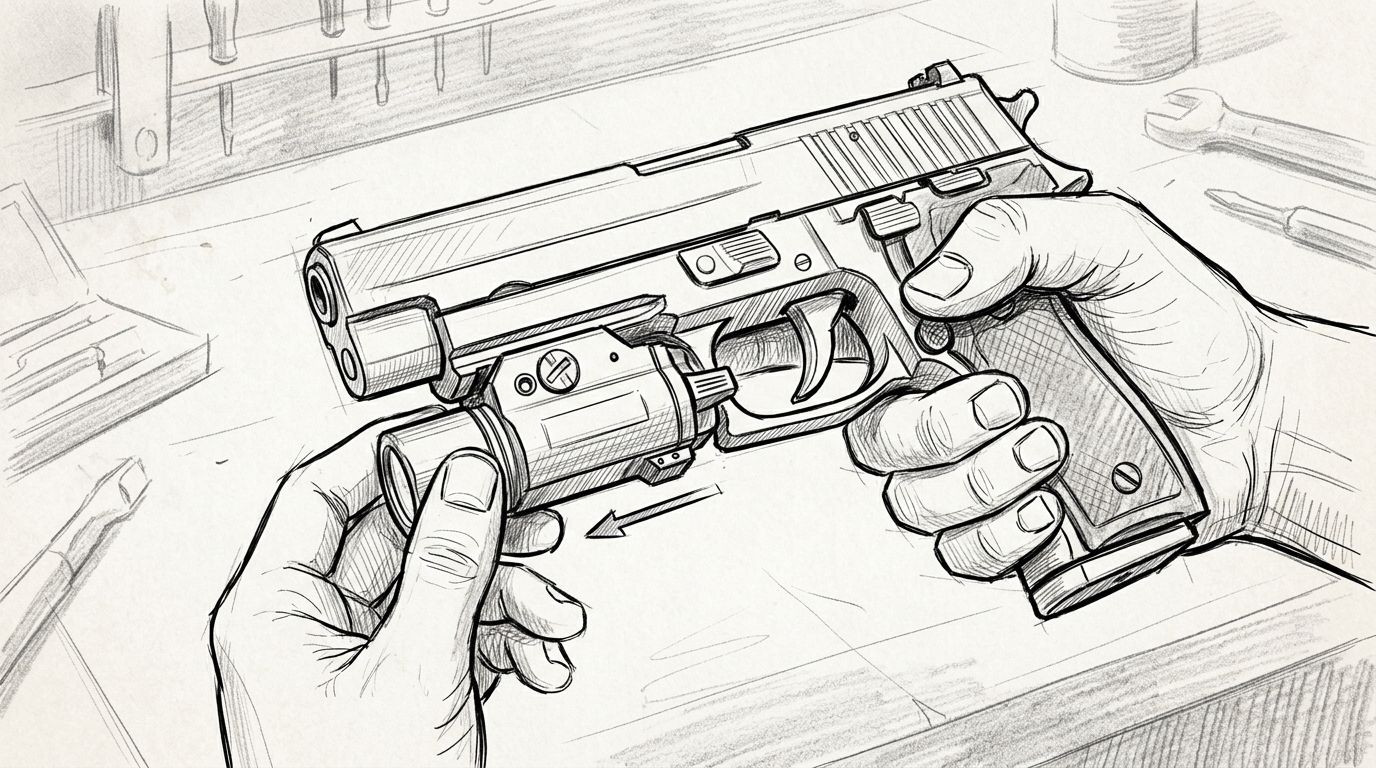
Keep the pistol cleared according to its manufacturer's procedure throughout installation. If handling is interrupted or the pistol leaves your control, repeat the prescribed safety checks before resuming.
Prepare the mounting surfaces
- Inspect the accessible rail and the light's mounting parts for visible damage, contamination or trapped packaging material.
- Clean only as directed by the relevant manuals. Keep oil, cleaning products and debris away from surfaces that the manufacturer requires to remain clean and dry.
- Identify the intended rail engagement point using the light's instructions. Do not choose a position solely because the controls feel closer.
- Prepare the correct supplied hardware and specified tool before positioning the light. Keep unrelated screws and adapters off the work surface.
Expected result: the rail and mounting parts are ready for assembly, with no unresolved damage or uncertainty about the required hardware.
Fit the light using its manual
- Open or release the mounting mechanism exactly as the light manual describes. Do not force a lever or loosen an unidentified fastener.
- Position the light and engage the specified insert or locating feature with the intended rail interface.
- Check that the mounting parts sit in their intended positions before closing the clamp or tightening the retaining fastener.
- Complete the manufacturer's securing procedure. Use its stated tightening requirement where provided; do not substitute a generic torque figure from another light.
- Inspect the assembly for gaps, skewed seating or trapped material. If anything appears incorrect, remove the light according to its manual and reassess the fit.
Expected result: the light is seated and secured according to its own instructions, rather than held in place by extra force.
Do not add thread-locking compound unless the manufacturer specifies it for that fastener. Likewise, do not use pliers, improvised extensions or additional tightening to compensate for a mismatched insert.
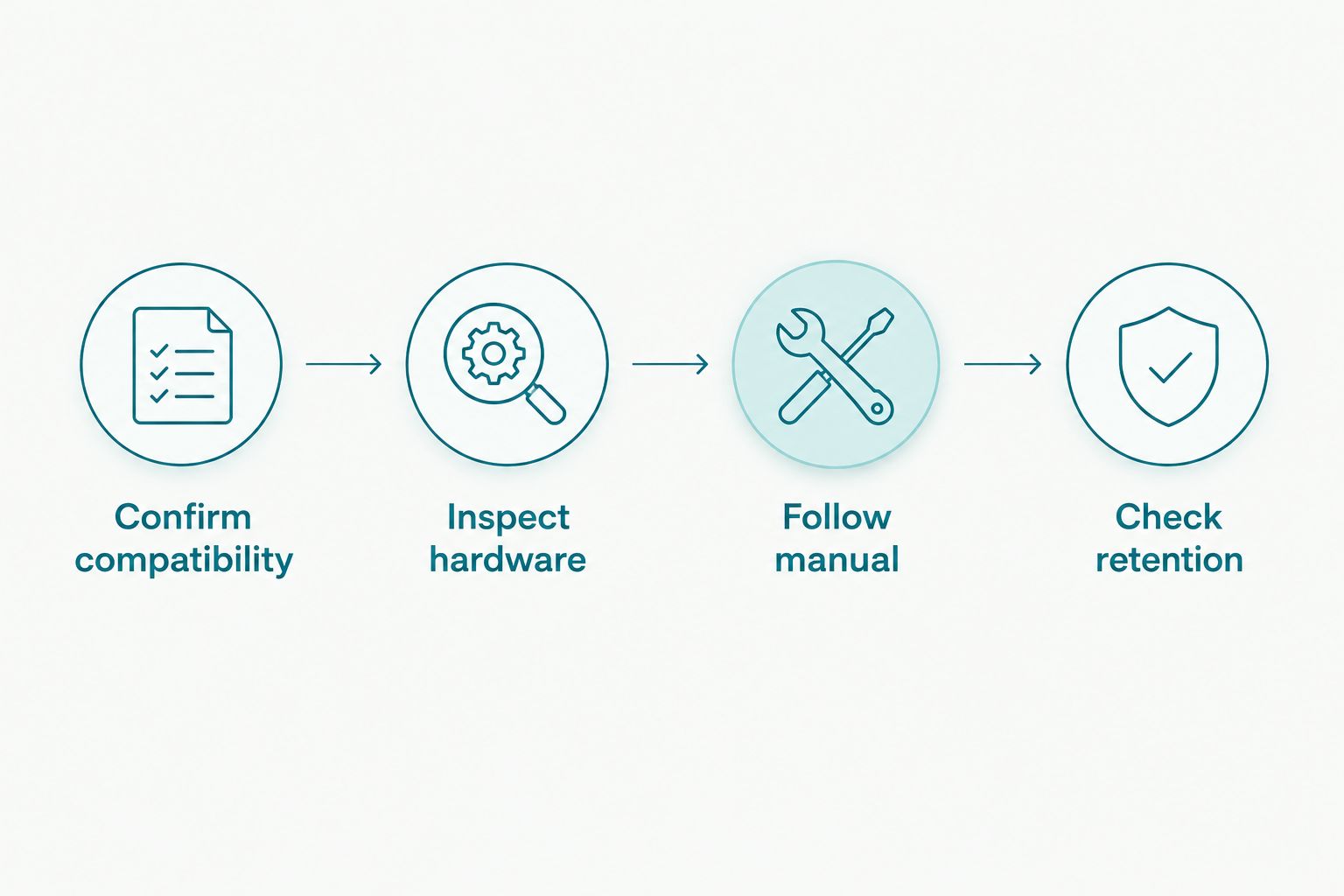
Retention and clearance checks
Installation ends with verification, not with the last turn of a fastener. Keep the pistol unloaded and maintain the same safe handling conditions used during fitting.
Check the installed assembly
- Check retention. Follow any retention check specified in the light manual. Inspect for unintended movement without using excessive force or treating the light as a handle.
- Check control clearance. Confirm that the light body and controls do not obstruct the trigger guard or interfere with the pistol's controls. Do not alter your trigger-finger position to compensate for poor fit.
- Check light operation safely. Follow the light's operating instructions while keeping the firearm pointed in a safe direction. Confirm that you understand its controls without touching the trigger.
- Check holster compatibility separately. Follow the holster manufacturer's guidance for the exact pistol-and-light combination. A forced fit, incomplete seating or exposed trigger area is a reason to stop using that combination.
Expected result: the assembly passes the manufacturer's checks without movement, interference or unresolved holster problems. If any check fails, do not return the pistol to service with that setup.
Check movement in 2 directions: along the rail and across it, as permitted by the manufacturer's inspection instructions. This is a fit check, not a reason to apply progressively more force. Any unexplained movement needs investigation.
A static inspection does not establish every aspect of reliability. Follow the manufacturers' verification requirements and use qualified assistance where needed; this guide does not replace those instructions.
Refit the light after removal
A second workflow applies when you remove the light for maintenance, charging or another purpose permitted by its manual. Treat refitting as a fresh installation check rather than assuming the previous fit remains valid.
- Clear the pistol according to its manual and remove ammunition from the workspace.
- Check that the correct insert and mounting hardware remain with the light. Inspect the parts for damage or wear before reuse.
- Reinstall the light in the documented position using the same model-specific procedure.
- Repeat the retention, clearance and holster checks before returning the combination to service.
Best for: owners whose light manual permits routine removal. The benefit is a repeatable inspection process; the limitation is that removing and refitting the light creates another opportunity for incorrect assembly.
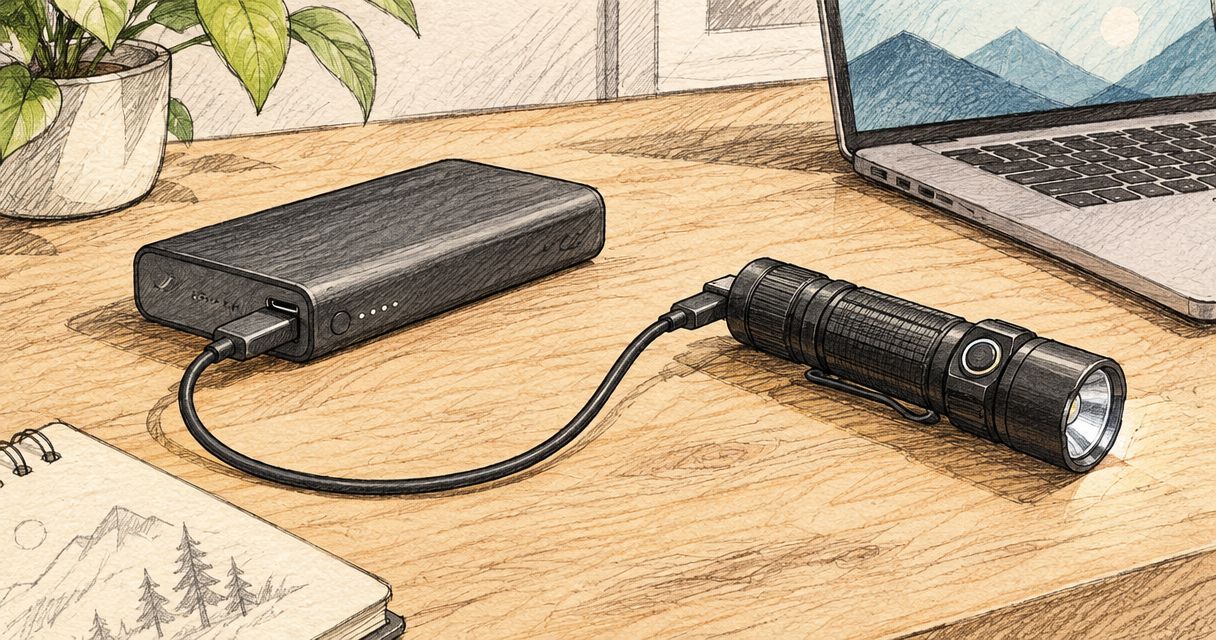
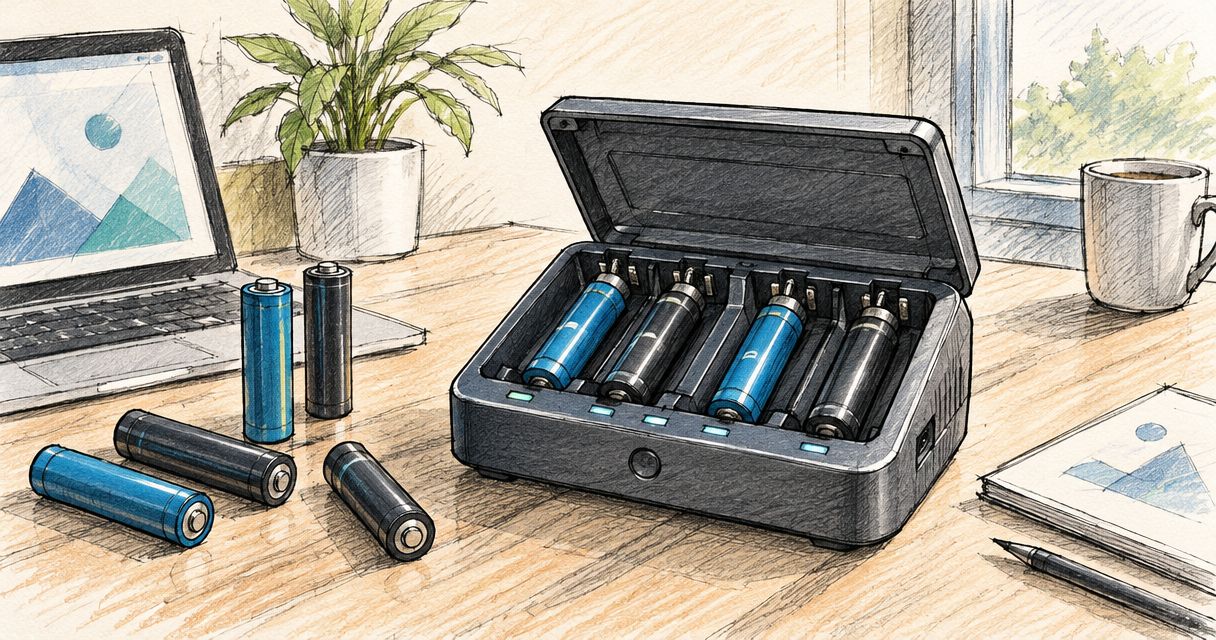
Do not remove the light unnecessarily just because another model requires removal for charging. Charging methods differ, so follow the instructions for the light you actually own.
Troubleshooting
The clamp closes, but the light moves
Stop using the mounted combination. Recheck the specified insert, rail engagement and seating against the manual before making any adjustment.
If movement remains after correct installation, ask OlightSA to help identify the mounting parts or have a qualified gunsmith inspect the fit. Do not compensate with improvised shims or excessive tightening.
The lever will not close or the screw resists
Do not force the mechanism. Remove the light according to its instructions and inspect for incorrect positioning, mismatched parts or damaged threads.
A fastener that will not turn normally needs inspection, not a longer tool. Resume installation only after the cause is resolved.
The controls are awkward to reach
Check whether the manual permits another mounting position while maintaining proper engagement and clearance. Do not move the light beyond its supported mounting range merely to bring a switch closer.
If the approved fit remains unsuitable, reassess the light-and-pistol combination. A different compatible light is preferable to modifying safety-related parts or compromising your grip.
The pistol no longer fits its holster
Check the holster maker's compatibility information for the exact light and pistol combination. Do not assume that a holster described for a similar light will work.
Stop if insertion requires force or retention does not function as intended. Do not cut, heat or reshape a holster unless its manufacturer explicitly provides an approved procedure.
The light does not operate after installation
Follow the light manual's battery, charging and operating checks. A mounting problem and a power problem are separate diagnoses; loosening or overtightening the mount is not a general electrical fix.
If normal operation cannot be restored using the documented checks, remove the light safely if instructed and seek support. Do not dismantle sealed components.
Customise your workflow
Keep a short setup record containing the exact pistol variant, light model, specified insert and relevant manual. Record the approved mounting position if the manufacturer allows a choice. This makes later inspection more useful than relying on memory.
For home use or security work, keep a handheld torch available for tasks that do not require a firearm. A weapon light provides illumination attached to the pistol; its limitation is that it cannot replace an independent light for ordinary inspection.
OlightSA's role as a dedicated South African Olight store makes it a relevant starting point for identifying the correct product documentation and accessory requirements. Ask a precise question: name the pistol variant, light model and mounting component you need confirmed.
FAQ
Will an Olight weapon light fit any pistol with a rail?
No. Confirm the exact pistol-and-light combination against the manufacturers' documentation, including any required rail insert or adapter. A visible rail alone does not establish compatibility.
Which rail insert should I use for my Olight light?
Use the insert specified in the exact light manual for your pistol's rail interface. Do not choose an insert only because the clamp appears to close.
How tight should an Olight weapon light mount be?
Follow the tightening procedure and any torque requirement in the exact model's manual. Do not apply a figure from a different light or add force to correct a poor fit.
Can I mount the light without a torque wrench?
Use the tools required by the light manufacturer. If the instructions specify a measured torque, use the appropriate equipment or ask a qualified gunsmith to install it.
Why does my light move after I close the clamp?
Movement means the mounting setup needs inspection before use. Check the specified insert, engagement and securing procedure; stop if movement remains after correct installation.
Will my existing holster still work with the light fitted?
Only use a holster confirmed for the exact pistol-and-light combination. Check the holster manufacturer's instructions rather than assuming the pistol-only holster remains suitable.
Should I remove the light every time I charge it?
Follow the charging procedure for your exact light model. If removal is required, repeat the installation and safety checks after refitting.
One last thing
Keep the unused inserts labelled with the light's manual. An unidentified adapter found later is not a reliable reference for your current setup. Preserving the part identification makes the next compatibility check simpler without changing anything on the firearm.